
Home › Registration
Royal Win Registration
Royal Win registration is a single phone-based form: Phone number, Password, Confirm password, an SMS Code requested with Send Code, and a tick box for the age and terms agreement. There is no invitation or referral code field.
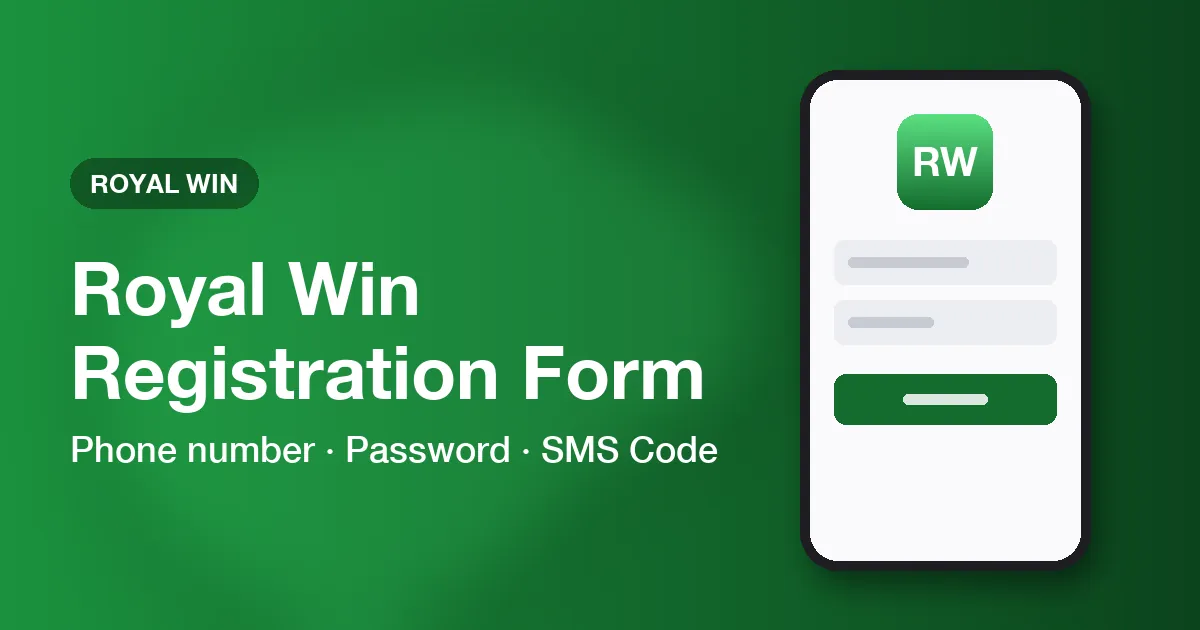
Filling in the Royal Win register screen
- Open the register screen. It shows a Register heading with Back, Support and Coupon links.
- Type your mobile number in Phone number; use one that can receive a text message now.
- Enter a password in Password, then repeat it exactly in Confirm password.
- Under Secure your account, tap Send Code and type the code from the text message into SMS Code.
- Tick the box confirming you are at least 18 and accept the Term & Condition, Rules, Privacy Policy, Cookie Policy and age-verification policies; a Read terms link sits beside it.
- Press Register. What appears next was not recorded for this guide, so follow the platform's screen.
Royal Win invite code: the form has no such box
No. The four input placeholders are Phone number, Password, Confirm password and SMS Code, and nothing else. Posts offering a Royal Win invitation code describe a field the platform does not have. The Coupon link on the same screen and the lobby's Redeem Coupon item concern coupons, not registration.
Royal Win password rule at sign-up
The form prints no length or character requirement, so pick a long, unique password of your own and store it safely. If the platform rejects your choice, pick another. Protecting the password and the SMS Code is covered on the account safety page.
First sign-in with the new Royal Win account
The login screen differs from the register form: Username or Phone, Login Password and a Verify code, with a Remember me box and a Forget password? link. Use the number you just registered and the password you typed twice. The login help home explains each field, the forgot password page covers a lost password, and the mobile app page explains the App download link.
Questions and answers
Can I register on Royal Win with an email address?
The register screen shows only a phone-number route; no email option was visible.
What if the SMS Code never arrives?
Check the number you typed, wait for the message, and use Send Code again if the form allows. If it still fails, the Support link on the register screen is the place to ask.
Ready to create an account or sign in? Choose a button below.